
Put your songs directly in front of your audience, where they WILL get heard.
Don’t just store your music on the internet. With muuuzr, you can put your music directly in front of listeners of your genre through ongoing music showcases. It’s your song paired with 49 other songs, with listeners voting and discussing along the way, Top 10 songs in every 50 continue to get ongoing music exposure, with more real opportunities to continually grow out your fanbase everyday
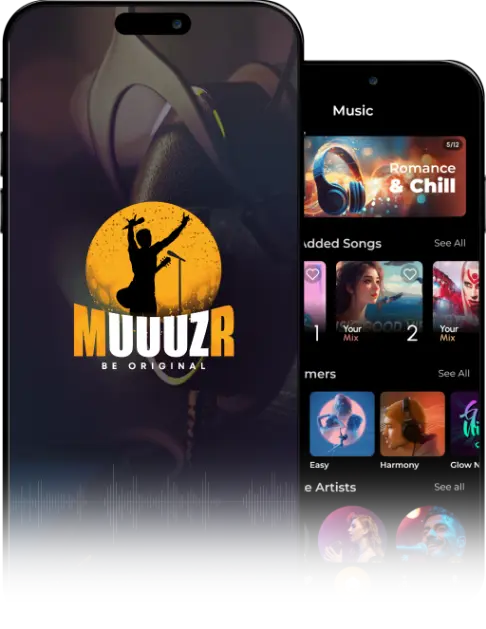








About App
Muuuzr is a music streaming, marketing and promotion application for unsigned music artists. It has been designed to make you, the unsigned artist, feel like a superstar. We give you all the tools you need to promote yourself to an extended potential fanbase, or to industry professionals, and provide you with access to the resources you need to become successful. The application itself is intended to feel and behave like an industry competitive streaming tool. It includes built in social media components, allowing users the direct ability to let you know which of your songs they like best, and for them to provide constructive feedback along the way.
Key Features
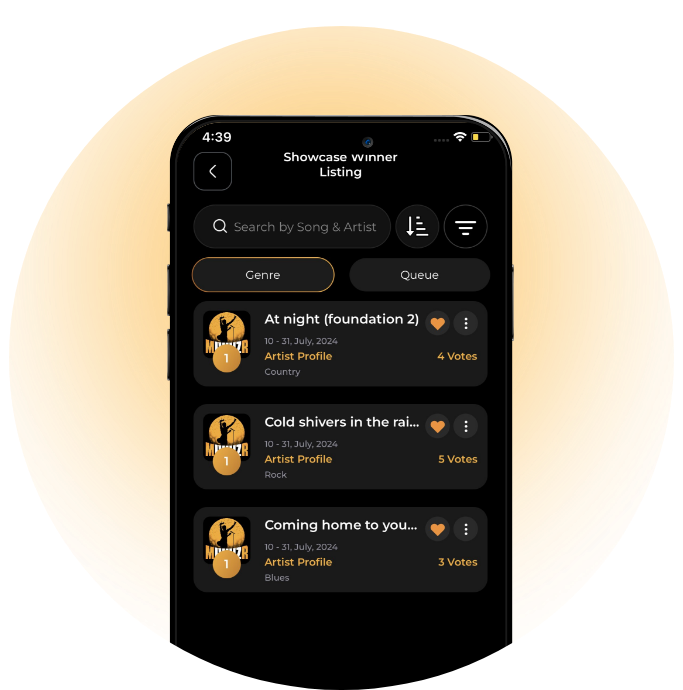
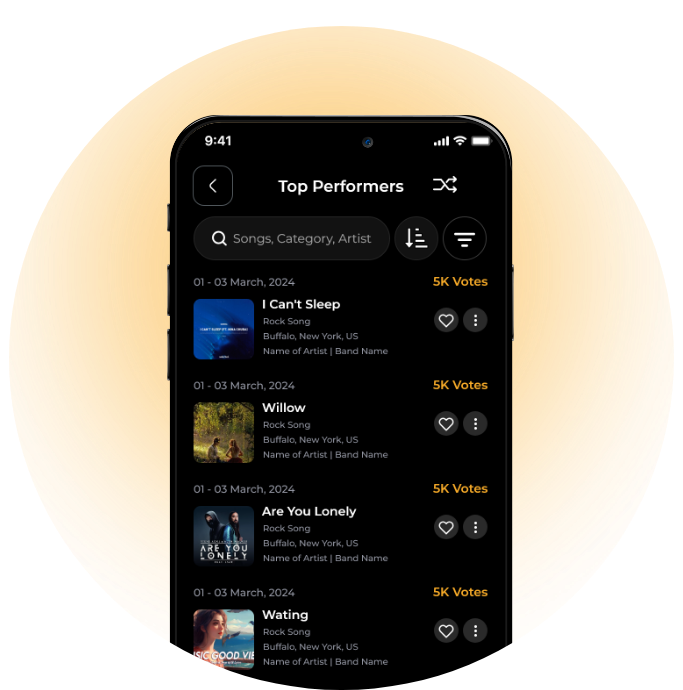
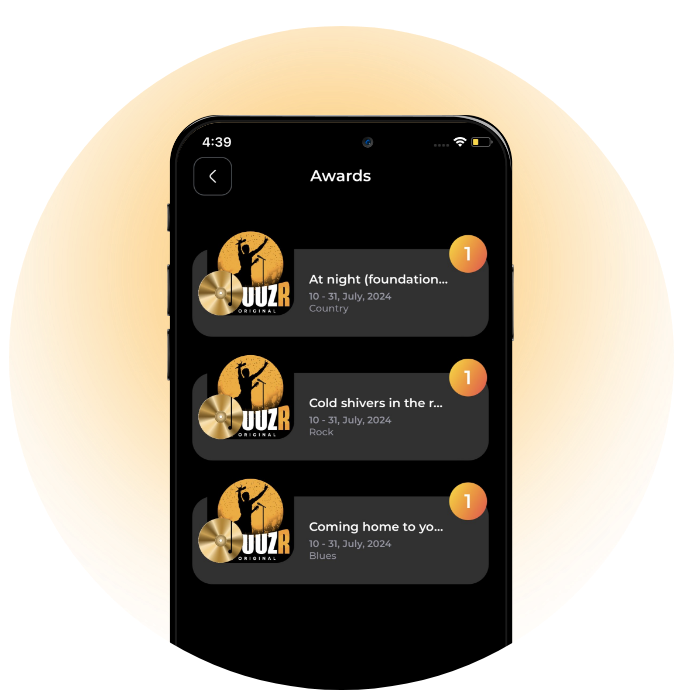
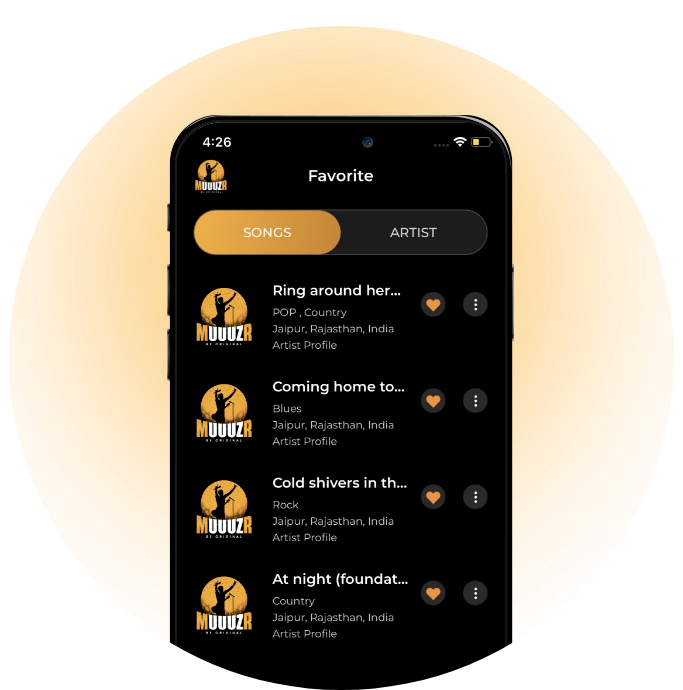
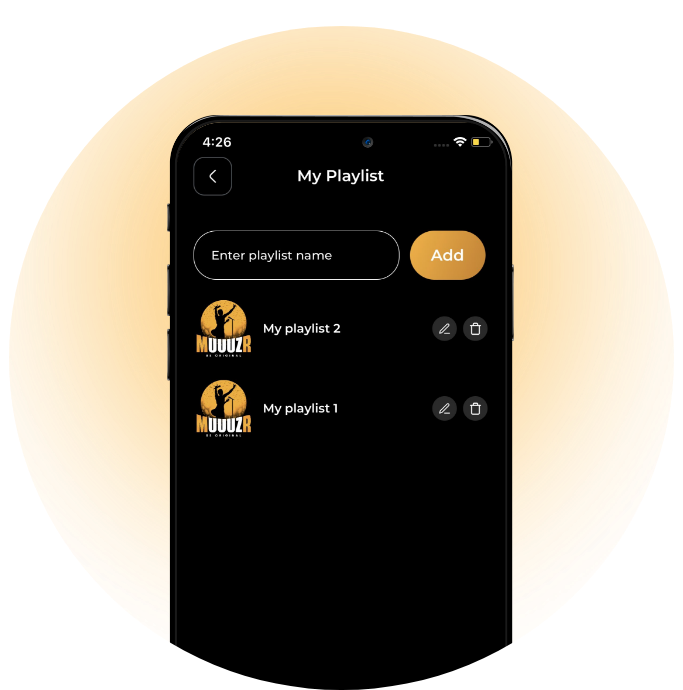
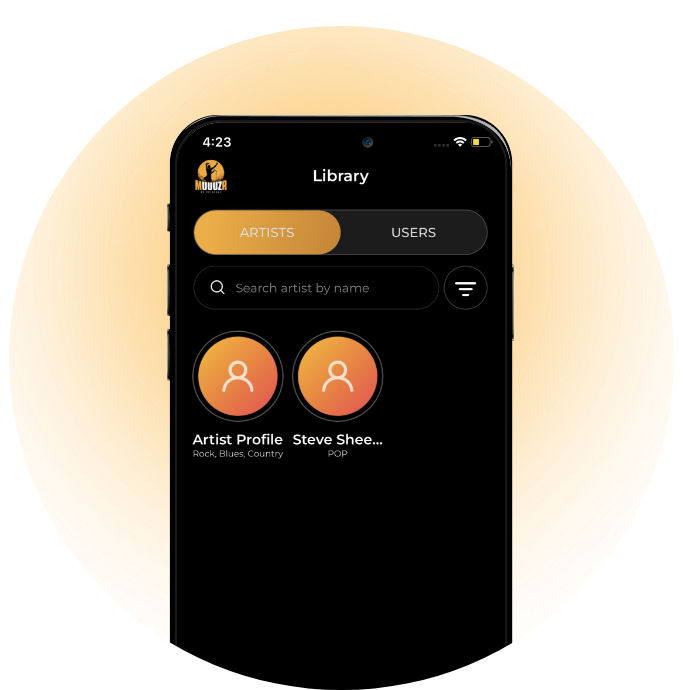
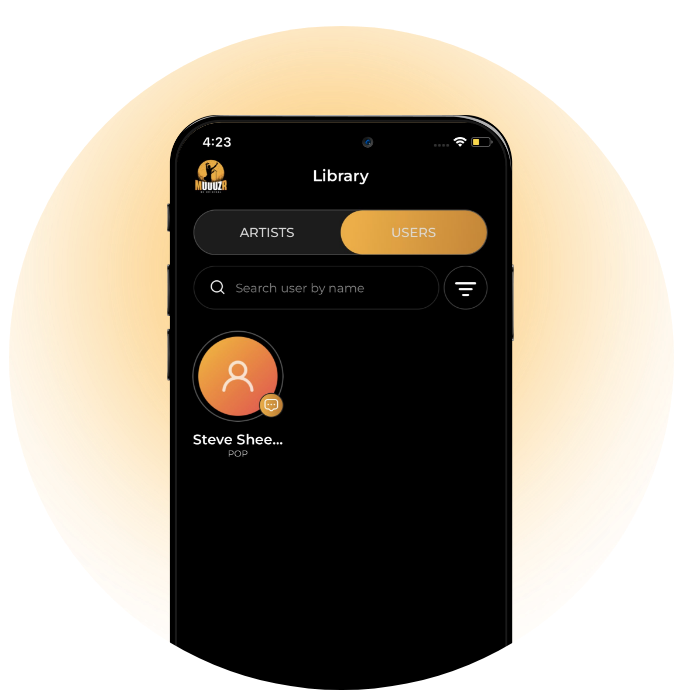
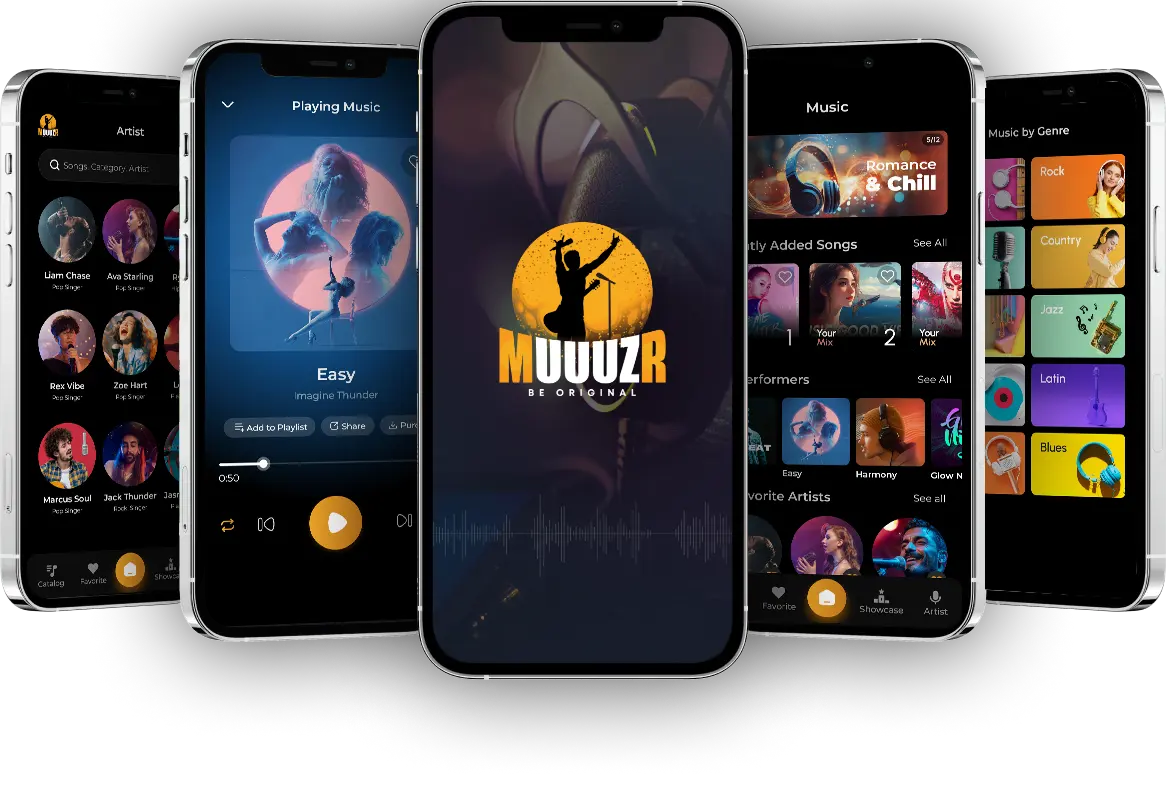
For Latest Songs
Download App

Muuuzr can be accessed, viewed and listened to for free. Users who join paid membership, at $4.99 a month ($49.99 a year), are able to use features within the application and interact with users and artists from within the application. Your first month with muuuzrr is free, so all users have paid membership capabilities for their first month, allowing everyone to see what muuuzr is all about before deciding to become official members, with the ongoing ability to continue making use of all we have to offer.
Frequently Asked Questions
Your songs should be ready to load in a format such as an mp4 file. If the songs are not already on your phone, you must transfer, or “Share” (by AirDrop or other) the songs to your phone. Now your songs are ready for uploading.
From the muuuzr options menu list, located by clicking on the muuuzr icon located in the upper left hand corner of the homepage. Once clicked, find MY SONGS and click on it. This will show all songs you have loaded to the Application, if any. In the upper right hand corner of the screen you will see a symbol that has an arrow pointing up, with a line above it. Click on this. This will take you to the screen for uploading your songs.
If you have any problems loading your songs, you can reach out to us by choosing CONTACT SUPPORT in our menu list of options by clicking on the muuuzr icon located in the upper left hand corner of the homepage
The purpose of muuuzr is to provide exposure for Artists who write, musically and/or lyrically, original material. At present, any song or lyrical works found to be, or suspected to be created or enhanced through the utilization of AI will be, at the discretion of muuuzr, subject to immediate removal from muuuzr via a request to the Artist requesting removal of said work from the muuuzr application or website, or by muuuzr directly removing said material from the website or application.
Artists who continue posting song or lyrical material found to be, or suspected to be, enhanced or created by AI will be subject to suspension and/or possible permanent expulsion from utilizing muuuzr moving forward as an Artist.
If a band, group, organization, individual or other are found to be the source for one or multiple Artist profiles uploading material to the muuuzr application or website containing works created or enhanced by AI will be subject to possible suspension or permanent expulsion from the muuuzr application or website after a warning placed on even one of the multiple profiles established by the artistic source proven or suspected of uploading AI created or enhanced Songs or Lyrics to the muuuzr website or application.
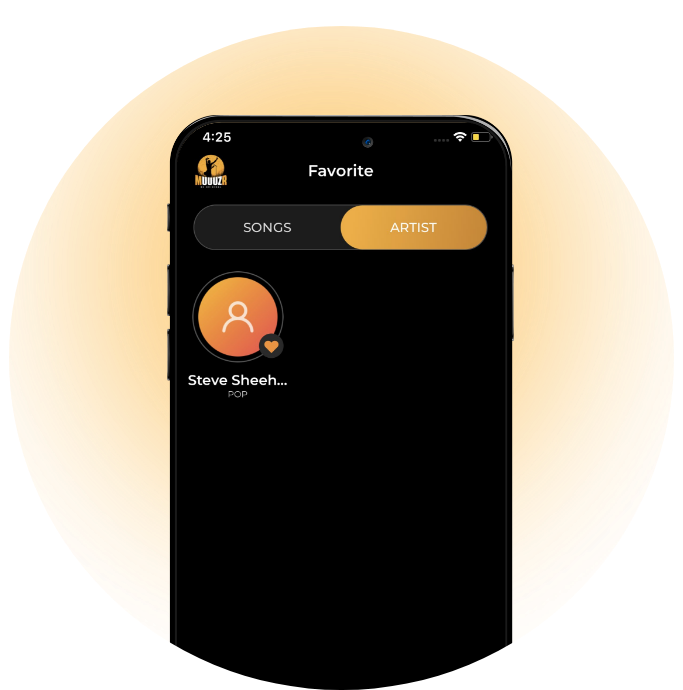
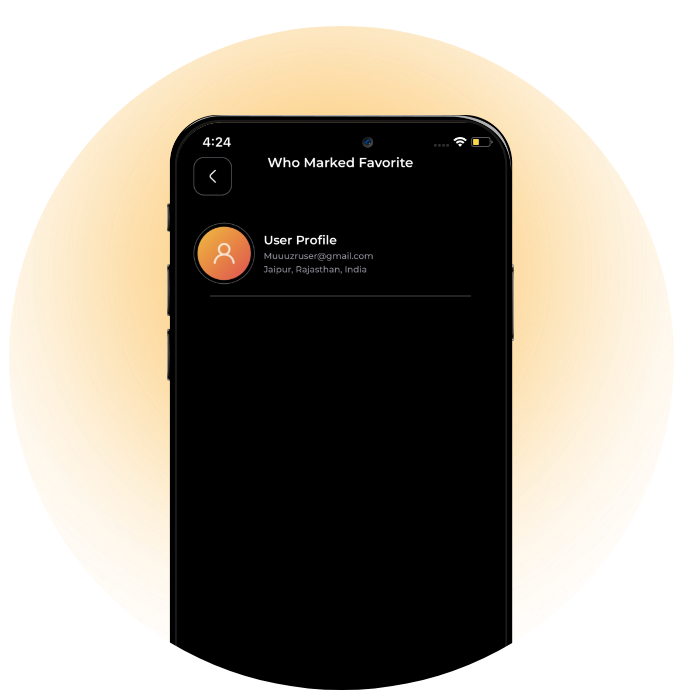
For Artist and Fan awareness, the following metrics are provided to Artists so that they can better understand their Fans, as well to provide the ability of identifying Fans who indicate their like of Artists on the Application.
This data includes: Name of Fans, Usernames, City/State of Location, and Email Addresses. Artists will also know Fans that have elected to FOLLOW them, and Fans that have FAVORITED THEM
The Showcase is designed to provide exposure for those artists/songwriters/musicians who are currently struggling to gain mass exposure. Therefore, the intended audience is unsigned artists and, should it meet the approval of muuuzr, independent artists or possibly major artists only if these artists do not currently hold a mass audience and that muuuzr approves of them to participate in the Showcase
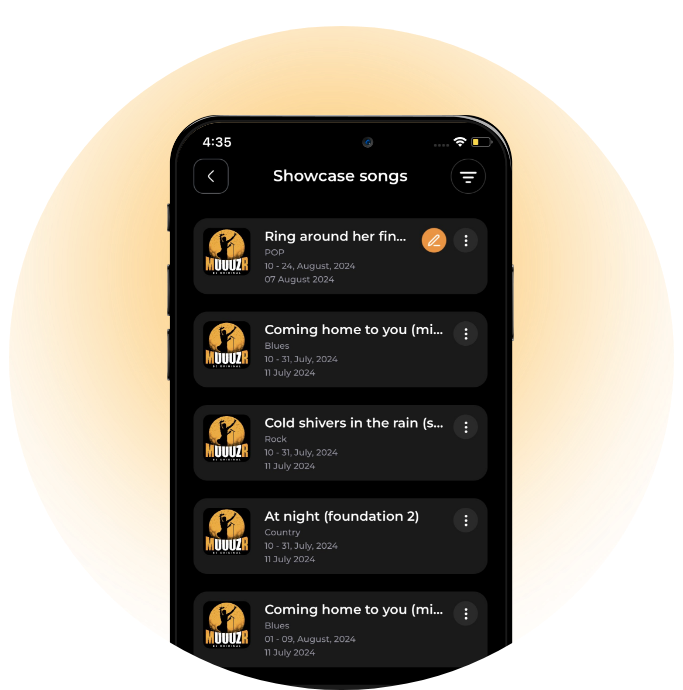
Songs are scheduled by choosing SHOWCASE at the bottom of the homepage. On the Showcase page, choose the UPCOMING tab located at the top. On the UPCOMING page, choose the date range you wish to register for. Once chosen, find the genre of your choice on the next page and click the icon on the far right to begin scheduling. An artist may schedule one song per genre per Showcase.
Songs must exist on the Application in their present state for 14 (fourteen) days before they are eligible for submission to the Showcase. Once a song is scheduled for a Showcase and the fee has been paid, there are no refunds. Songs can be rescheduled, songs can be replaced with a different song by the same artist, or an updated version of the same song can be used to replace the current version but the updated version must exist on the site for 14 days before it is scheduled to perform.
A Showcase runs for 1 (one) week. Songs run in groups of 50 (fifty), users and artists of the Application may register for voting, placing a Like or Dislike vote on songs. Top 10 songs with the most Likes from each group of 50 are considered winners. Winners move to the next Showcase and continue to move to additional Showcases as long as they continue to place in the Top 10 of the group of 50 in the genre they are participating in.
Winners must receive at least 10 votes. If a group of 50 does not have 10 songs receiving at least 10 votes, only the songs that did receive at least 10 votes with the most Likes will be considered winners.
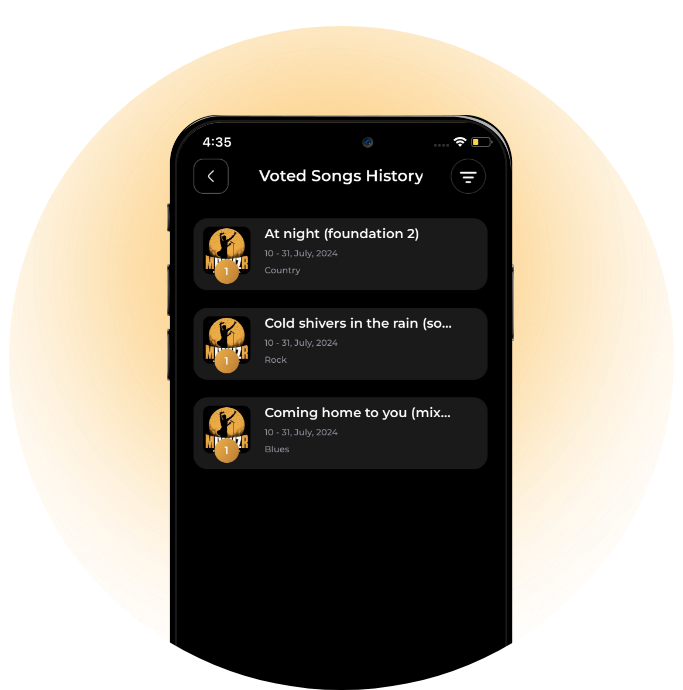
In addition to the above, Artist that place in the Top 10 receive a digital award for their muuuzr trophy case. This can be used by Artists to show how popular they are, or how popular/successful their songs have been when showcased.For a #1 song, an artist receives a digital gold disc. For 2nd place, an Artist receives a silver disc, and for songs placing 3rd - 10th place, an Artist receives a digital platinum disc. These will be found under AWARDS in the muuuzr options menu list. Each award will identify the Artist, the Song, the Genre it placed in the Showcase, and the Showcase date in which the song placed. Everytime a song is in a Showcase and Places in the Top 10, it will receive another digital award for the accomplishment.
To vote, choose SHOWCASE from the bottom of the homepage. The next page will show Showcases by genre of music. Find the genre you would like to be a voter in and click REGISTER TO VOTE. You may choose to vote in as many genres as you wish.
Voters will be assigned 13 songs for voting, and must listen to the first 1.5 minutes of each song before they can vote on the song. Voters may vote a maximum of 1 (one) time per song per Showcase. Voters may step away from the 13 songs to hear, and vote if desired, on other songs. Once the 13 songs are completed, a voter may listen to any other songs they wish, with voting optional. A voter does not need to complete voting on all 13 songs, but will be returned to their 13 songs until completed.
Voters may leave and return to the voting process over the 2 weeks of the Showcase period, by clicking on the muuuzr icon in the upper lefthand corner of the HomePage and choosing MY SONGS FOR VOTING from the menu.
When a voter decides they are done with voting for that genre in that Showcase, they must finalize their voting. Once they finalize voting, they can no longer vote in that Showcase for that genre. When a voter finalizes their voting, a code is texted and/or emailed to their device, which must be entered by the voter into the Showcase. If a voter does not finalize their voting, their votes will not count, and all votes will be reset at the end of the current Showcase.
Yes, there are several promotional opportunities within the application.
The muuuzr Q Showcase is available to Artists and Songwriters. This puts your song or songs more directly in front of your target audience. Read more about the muuuzr Q Showcase in related topics under additional FAQ topics.
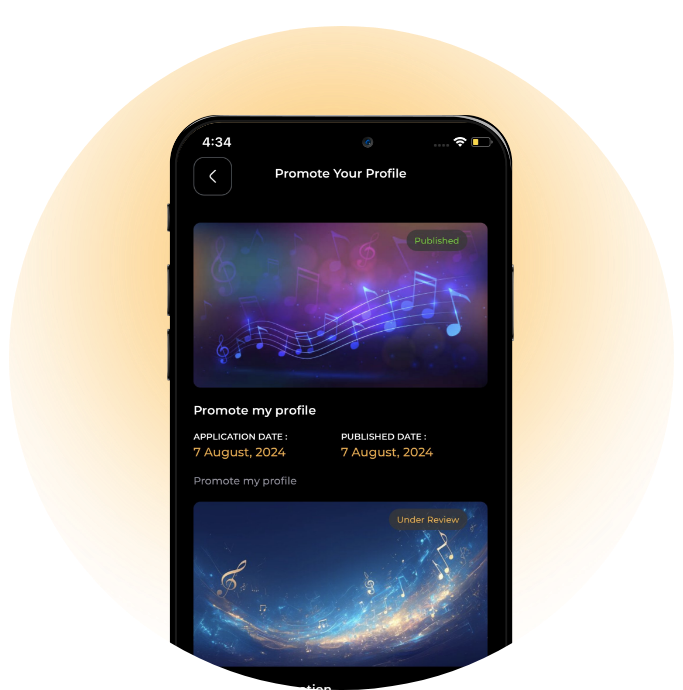
BOOST YOUR PROFILE, located in the muuuzr options menu, offers artists an additional method for marketing themselves, or their songs. If you are interested in BOOST YOUR PROFILE, click on the muuuzr icon in the upper lefthand corner of the HomePage. A menu will appear, look through options for BOOST YOUR PROFILE. Clicking on BOOST YOUR PROFILE will walk you through the process of submitting your banner.
Banners are reviewed and subject to approval by muuuzr.
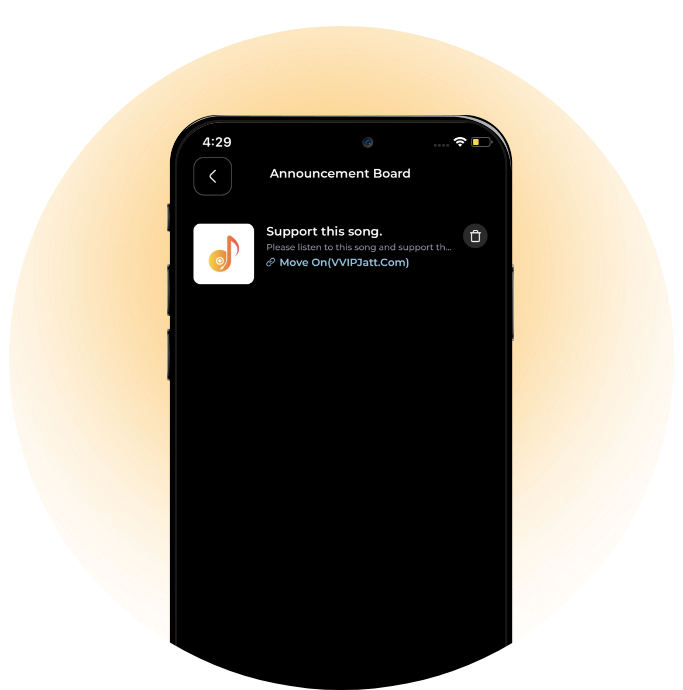
Announcement Board. (From Artist to Fans)
The Announcement Board can be accessed through the muuuzr logo located in the upper lefthand corner of the Homepage. Through the Application, artists can post messages and songs directly to their fans
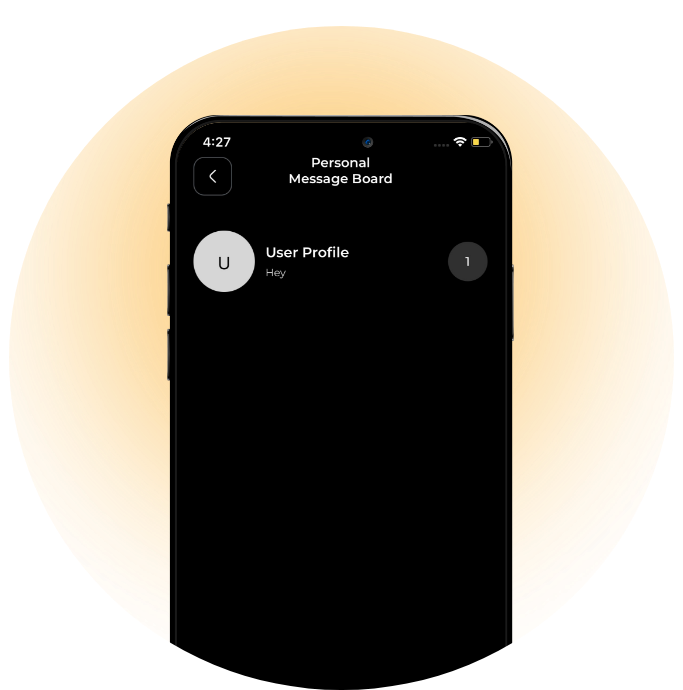
Personal Message Board
The Personal Message Board can be accessed through the muuuzr logo located in the upper lefthand corner of the Homepage. Through the Application, Fans can chat with other Fans, Fans can chat with Artists, and Artists can chat with Fans.
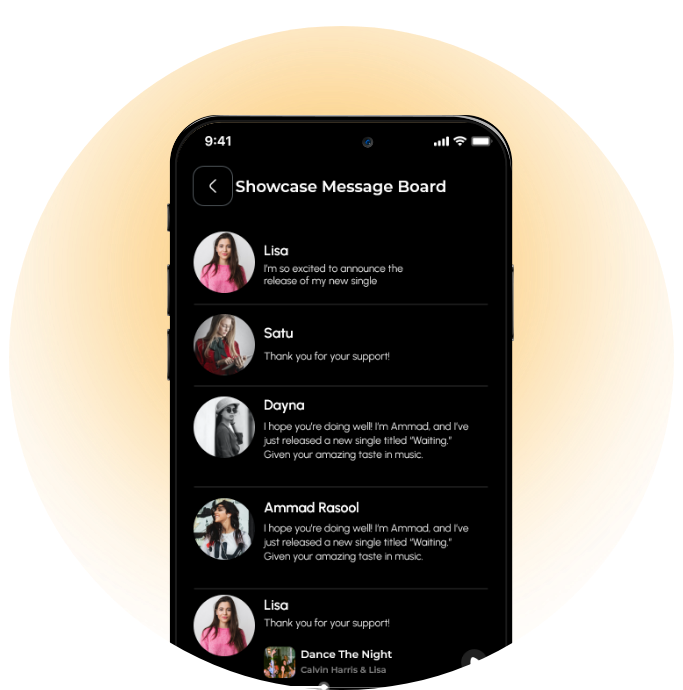
Showcase Message Board
To access the Showcase Message Board, click on SHOWCASE at the bottom of the HomePage. On the next page, locate the Showcase you are currently registered in and trying to post your message for (you can only use the board if you are a registered voter in that genre in that Showcase). There will be an orange circle on the far right side. Click on the orange circle and the Showcase Message Board will appear. The Showcase Message Board is intended for positive feedback on Artist and/or their songs, it is not a platform for negativity or hate, nor is it a platform for self-promotion. muuuzr will address abusers of the Showcase Message Board as muuuzr deems appropriate.
muuuzr also provides the opportunity for users to to share from the application using well known social media applications
Click on the muuuzr logo located in the upper lefthand corner of the homepage. Locate APPLY PROMO and click on it. On the following screen, look for YOUR PROMOCODES. To the right you will see VIEW ALL. Click on VIEW ALL. The next screen will show all promo codes that have not yet been applied. Find the promo code you would like to use and, to the right, click on TAP TO APPLY. The terms of your Promo Code should now be applied and reflected in the colored boxes shown at the top of the APPLY PROMOCODE homepage. If you should have any issues or questions. please reach out to us by using CONTACT SUPPORT found toward the bottom of the muuuzr options menu list.